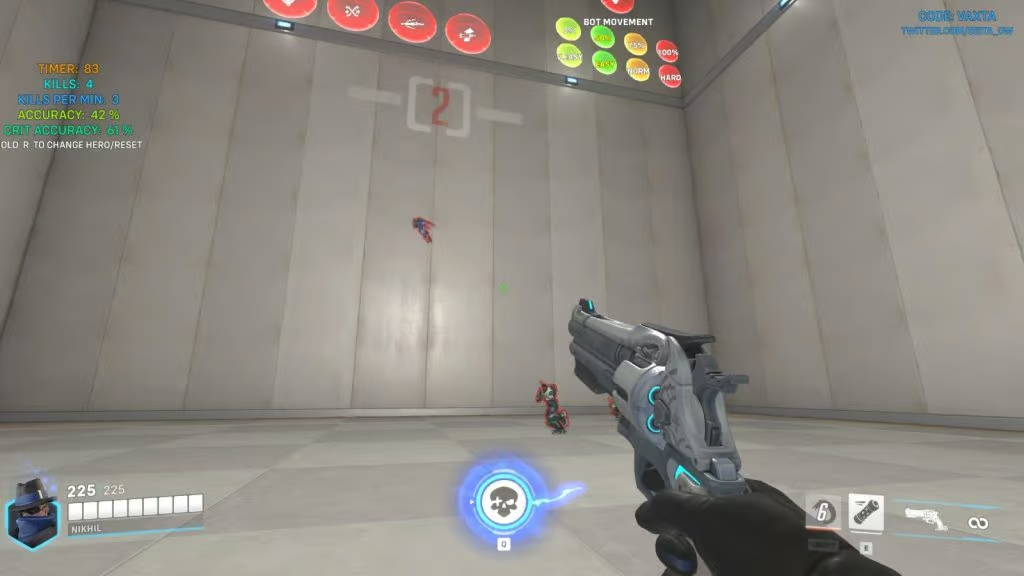
Let's be real: you can have the best game sense in the lobby, but if your crosshair isn't on their head, you're just feeding ult charge. Whether you're a hitscan main or a flex player who just wants to stop whiffing on Kiriko, this guide is your shortcut. We're cutting through the noise to give you the exact Workshop codes that top players use to warm up and improve, plus the specific skills each one trains.
The single most important takeaway? Consistency beats intensity. A 10-minute focused routine before you queue is worth more than an hour of mindless deathmatch. Below, we break down the best custom game codes, what they actually do for your aim, and how to use them without burning out.
Why Workshop Codes Beat the Practice Range
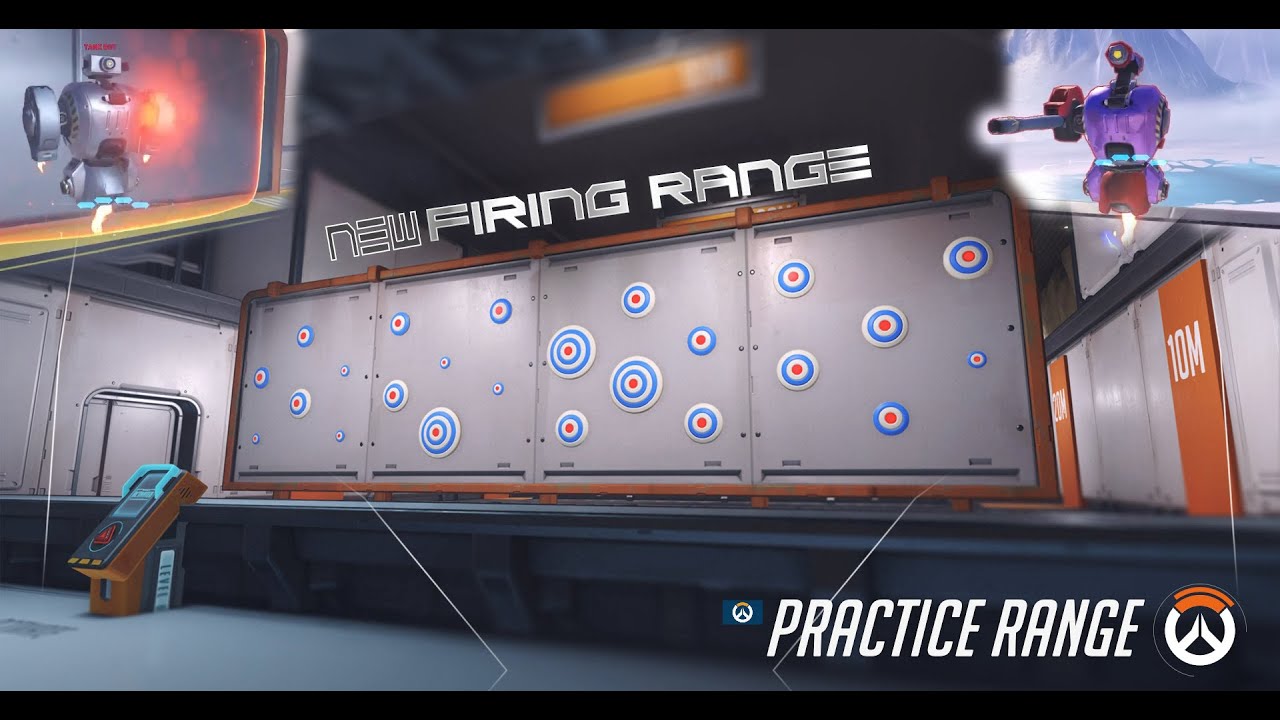
The built-in practice range is fine for testing sensitivity, but it's static. Real fights involve strafing enemies, unpredictable movement, and pressure. Custom games solve this by spawning bots that actually dodge, shoot back, and force you to track moving targets. You get repetition without the queue time, which is exactly what you need to build muscle memory.
Plus, these codes are free and take about 15 seconds to set up. You just hit "Custom Game," import the code, and you're in. No external software, no downloads, just pure aim practice. If you're coming from a game like Valorant or CS, think of these as your deathmatch servers - but with specific drills instead of chaos.
Tracking and Flicking: The Core Aim Trainers
If you want to improve your tracking (keeping your crosshair on a moving target) and flicking (snapping to a target instantly), you need dedicated drills. The most popular and effective code in the community is VAXTA. This mode is a gauntlet of projectiles and threats. You'll dodge Fire Strikes, destroy RIP-Tires, and avoid Sigma rocks, all while bots move unpredictably. It forces you to keep your crosshair on target while managing your own movement, which is exactly how real fights feel.
For a more structured routine, check out JZ1H5 (Ana Paintball). It's quick, chaotic, and perfect for warming up your flick shots. You play as Ana, and everyone is sleep-darting and scoping. It's not just fun; it forces you to hit precise, quick shots on moving targets. If you want something even more chaotic, try 2D Overwatch - it strips the game down to a side-scrolling shooter, which is weirdly effective for pure reaction time and crosshair placement.
- VAXTA: This is the gold standard for warm-ups. It scales difficulty as you clear levels, adding fire strikes and RIP-tires to dodge. It forces you to prioritize targets while maintaining accuracy.
- JZ1H5 (Ana Paintball): Perfect for quick, high-pressure flick shots. You'll learn to hit sleep darts and quickscopes on moving enemies, which translates directly to duels.
- JPYHG (Sora Routine): This is a structured routine that mixes tracking and flicking drills. It's designed to be run daily, and it's great for building a habit.
- KAVE5: A solid all-rounder that focuses on tracking moving bots. It's less chaotic than others, making it ideal for isolating your tracking weakness.
Game Sense and Reaction: Fun Modes That Still Help
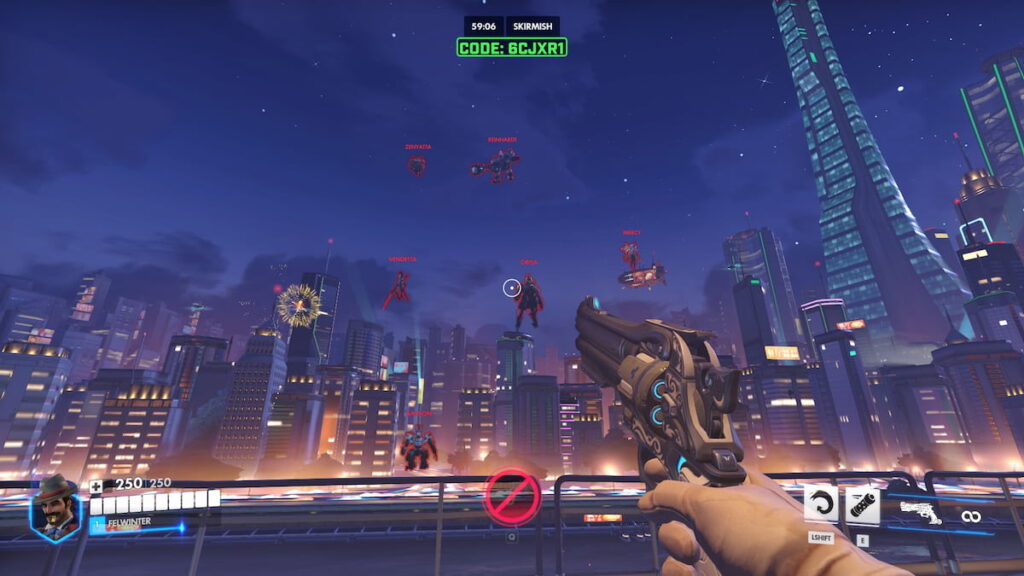
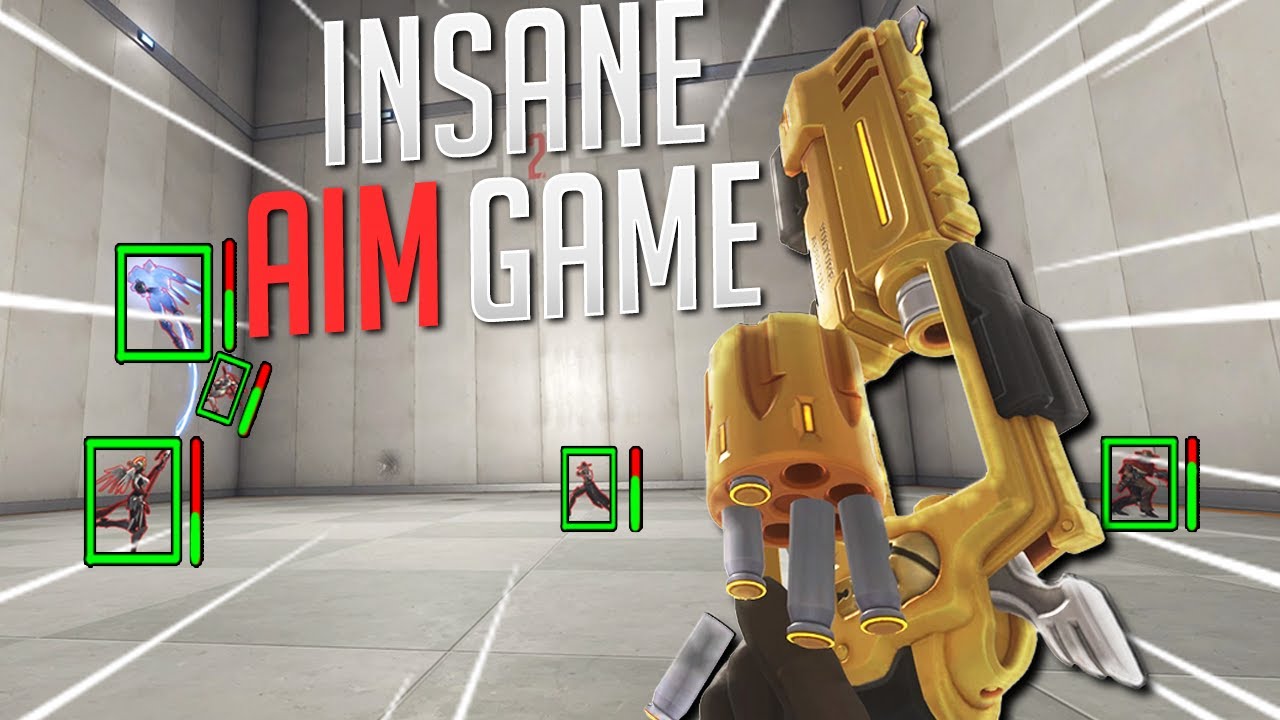
Aim isn't just about clicking heads; it's about reacting to what's happening. The 2D Overwatch mode is a perfect example. It's chaotic, it's fun, and it forces you to track targets in a completely different way. It breaks your brain's reliance on 3D depth cues, which actually sharpens your raw hand-eye coordination. It's a great palate cleanser when you're tilted but still want to practice.
Don't sleep on the deli's Aim Trainer V5 either. It has a "Hero Arena" mode where you duel enemy bots, and a "Sphere Frenzy" mode that mimics aim trainers like Aim Lab. The key here is variety. If you only do one drill, you'll only get good at that drill. Mixing modes like these keeps your brain adapting, which is what you need for ranked.
Finally, remember that aim is only a slice of the pie. As the community points out, positioning and game sense matter just as much. Use these codes to sharpen your mechanics, but don't neglect your positioning. A good player with decent aim beats a great aimer with bad positioning every time.
How to Build a Routine That Sticks
You don't need to grind for an hour. Start with 10 minutes before you queue. Load up VAXTA, run it until you die a few times, then switch to Ana Paintball for five minutes. That's it. You're warming up your hand-eye coordination and your reaction time without burning out.
If you're serious about climbing, track your progress. Notice if you're missing more shots on moving targets versus stationary ones. If tracking is your weakness, spend more time on the OW2 version of the aim trainer. If you're missing flick shots, stick with Ana Paintball. The goal is to identify your weakness and drill it specifically, not just play the same mode mindlessly.
Finally, don't ignore your settings. Most pros run 800 DPI with a 3.5 in-game sensitivity (or similar). If you're playing on a super high sensitivity, you're fighting your own hardware. Lower your sens, get a bigger mousepad, and let your arm do the work. It feels weird for a week, but it's the single biggest mechanical upgrade you can make.
Workshop Code Management and Sharing: Curating Your Personal Aim Lab
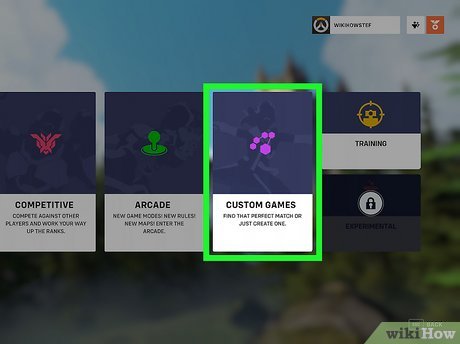
Once you've cycled through the popular codes, the next step is managing your library like a professional. Blizzard's Workshop allows you to save up to 100 custom game codes per account, but you should never keep all of them. A cluttered list slows down your pre-game routine. Instead, maintain a shortlist of 5-7 codes that target specific weaknesses - one for pure tracking, one for flicking, one for reaction, and one for movement-based aiming. Delete codes you haven't used in two weeks; if a mode doesn't feel productive, it's dead weight.
Sharing your own tweaked settings is also a hidden skill. When you find a code that's almost perfect, use the "Settings" tab in the lobby to adjust bot speed, damage, or cooldowns, then save it as a new code. The Workshop Inspector tool (accessible via the "Create" menu) lets you copy and modify any public script. This is how top aim coaches build their custom drills - they don't reinvent the wheel; they tweak existing variables. For example, increasing the bot movement speed to 120% in a standard tracking map forces you to lead your shots more aggressively, a skill that transfers directly to fighting Tracer or Genji.
- Code cap: The 100-code limit forces you to prune your list; keep only codes that produce measurable improvement in your accuracy stats.
- Settings tab: Adjust bot health, speed, and damage in any lobby to create a custom difficulty curve without writing a single line of script.
- Workshop Inspector: This tool lets you copy and edit any public script, so you can modify a popular drill to focus on your specific hero's recoil pattern.
- Sharing etiquette: When you post a modified code, always credit the original author in the description; the community thrives on iterative improvement, not plagiarism.
Hardware and Setup Checks: Eliminating Input Lag Before You Train
Your aim practice is worthless if your setup introduces delay. The most common hidden killer is VSync, which adds up to 30-50ms of input lag even on high-refresh monitors. Before you run any workshop code, disable VSync in the game's video settings and cap your framerate at your monitor's refresh rate plus 10% (e.g., 144Hz cap at 158 FPS). This prevents screen tearing without adding latency. Next, check your mouse polling rate - set it to 1000Hz in your mouse software. A 125Hz polling rate feels "floaty" and will make your flicks inconsistent, especially in fast workshop modes like "Aim Trainer" by Kovaak's.
Finally, test your overclocked mouse cable or wireless receiver placement. A wireless mouse with a receiver plugged into a USB 2.0 port next to a Wi-Fi antenna can suffer from interference, causing micro-stutters. Move the receiver to a USB 3.0 port on the front of your PC, or use a USB extension cable to place it closer to your mousepad. For a quick check, run the "Reaction Time" workshop code (e.g., VQN2P) and compare your average reaction time to your baseline. If it's slower than 250ms on a consistent basis, your hardware is the bottleneck, not your aim.
- VSync off: Disabling it removes 30-50ms of input lag; always cap your FPS at refresh rate + 10% for a stable frame time.
- Polling rate: Set your mouse to 1000Hz; lower rates like 125Hz cause visible cursor jitter during fast flicks.
- USB port placement: Plug wireless receivers into a front USB 3.0 port or use an extension cable to avoid interference from your PC case's metal shielding.
- Baseline test: Use a reaction time code to measure your setup; if your average is above 250ms, fix your hardware before blaming your aim.
Frequently Asked Questions
What is the best Overwatch 2 aim practice code for beginners?
VXEHT is the best starting point because it combines tracking, flicking, and movement into a single, low-pressure drill. Unlike isolated aim trainers, this code forces you to manage crosshair placement while strafing, which builds the muscle memory you actually use in matches. Start with the "Easy" bot difficulty and focus on smoothness over speed for your first week.
Does aim training in Overwatch 2 actually improve your aim?
Yes, but only if you practice deliberately for at least 15 minutes daily. Workshop codes like KAVE5 (tracking) and J3Z5B (flicking) provide consistent, repeatable scenarios that the practice range lacks, allowing you to isolate specific weaknesses. However, aim training is a supplement - you still need to play real matches to learn hero-specific recoil and projectile timing.
What is the best aim code for practicing Widowmaker or Ashe?
J3Z5B is the most effective code for hitscan snipers because it spawns bots at varied distances with unpredictable movement patterns. For Widowmaker specifically, use the "Headshot Only" setting to force precise flick shots rather than body shots. Pair this with the reaction time code from the setup section to ensure your hardware isn't adding delay to your flicks.
Conclusion
To see real improvement, stop hopping between random codes and commit to a structured routine: start with VXEHT for warm-ups, move to KAVE5 for tracking, and finish with J3Z5B for flicking - all within a 20-minute session. Before you train, verify your setup with a reaction time test and ensure your wireless receiver is on a front USB port, as input lag will sabotage even the best aim. Consistency beats intensity: 15 focused minutes daily will outperform a two-hour session once a week.